Asking Your CRM Questions Instead of Building Reports
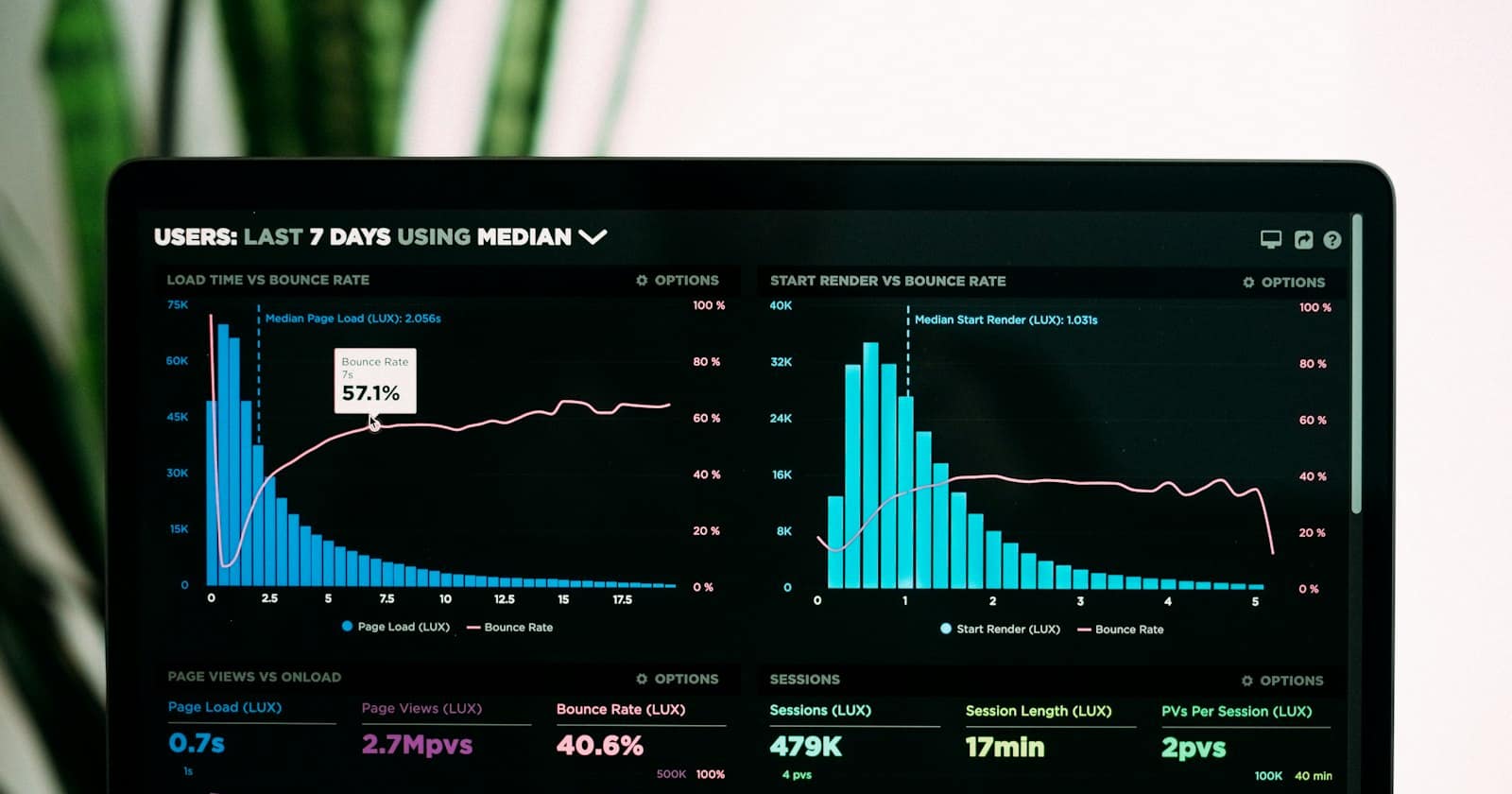
Every CRM ships with a reports section, and in most small businesses it is opened twice: once during onboarding and once when an investor asks for numbers. That is not laziness. A dashboard is a guess someone made months ago about what you would want to know, and the question you actually have on a Tuesday morning is never the one it answers. Our overview of what an AI copilot does inside a CRM treats this as the core use case, because removing the build step changes how often you look.
The questions worth asking
Good copilot questions are the ones you would ask a very patient analyst who has all your data open. They tend to fall into four groups.
- Volume and timing — how many new conversations came in last month, which days and hours are busiest, whether Saturday enquiries have grown since spring.
- Movement — how many deals entered and left each pipeline stage, which stage things sit in longest, how many opportunities have not moved in three weeks.
- Response behaviour — median first-reply time, how many conversations sat unanswered overnight, which team members carry the most open threads.
- Effect — which templates get replies, which automations fired most often, how many bookings came from conversations the AI handled end to end.
Notice that none of these needs a chart. They need a number and, usually, a comparison to the period before.
Phrase it like you would to a colleague
The instinct is to write in database language: "conversations WHERE status = open GROUP BY assignee". You do not need to. "Who has the most open chats right now, and how old is the oldest one?" gets the same result and is easier to read when you come back to it. The one thing worth being precise about is the time window. "Recently" means different things to you and to a model; "in the last 30 days" does not.
Two other habits pay off. Ask for the comparison in the same breath — "…and how does that compare to the 30 days before?" — because a single number rarely tells you anything. And ask follow-ups rather than restarting: once it has pulled last month's conversations, "now split that by source" is cheap, where a fresh question re-does the work.
A dashboard answers the question someone had when they built it. A copilot answers the one you have while you are asking it.
— be digital ai team
Check the answer before you act on it
An AI reading your CRM can still misread it. It might count a contact twice because they messaged from two numbers, or include archived deals you assumed were excluded. The defence is simple: for any number you intend to act on, ask how it was calculated and which records it counted. A good copilot will tell you it looked at 412 conversations with status open or snoozed, and you will immediately see whether snoozed should have been in there.
Spot-check the first few answers against something you already know. If you are certain last week had roughly forty new enquiries and the copilot says a hundred and forty, the definition is wrong somewhere — probably counting messages instead of conversations. Once the definitions line up, you can trust the shape of later answers.
From question to action
The value is not the number; it is the next step. If Saturdays are your busiest day for enquiries and nobody is staffed, that is a rota change. If a stage holds deals for three weeks, that is a missing follow-up automation — and a copilot can draft it for you, though it should never switch it on by itself. That boundary is covered in how approval gates keep an AI from breaking your CRM.
The other half is not asking the same thing from scratch every week. Once a question proves useful, save it as a repeatable routine so it runs the same way each time — see turning repeated work into reusable AI skills for how to write one that stays useful after the third run.
What it will not do
A copilot cannot see what is not recorded. If your team closes deals with a phone call and never logs it, no amount of asking will surface those. If sources are blank on half your contacts, source analysis is guesswork. The first few weeks of asking questions tends to be less about answers and more about discovering which fields your team quietly stopped filling in — which is, in its own way, the most useful report you will get.
A 20-minute walkthrough of asking be digital ai questions about your own pipeline and inbox.
Book a Demo