QR Codes: Bringing Offline Customers into Chat
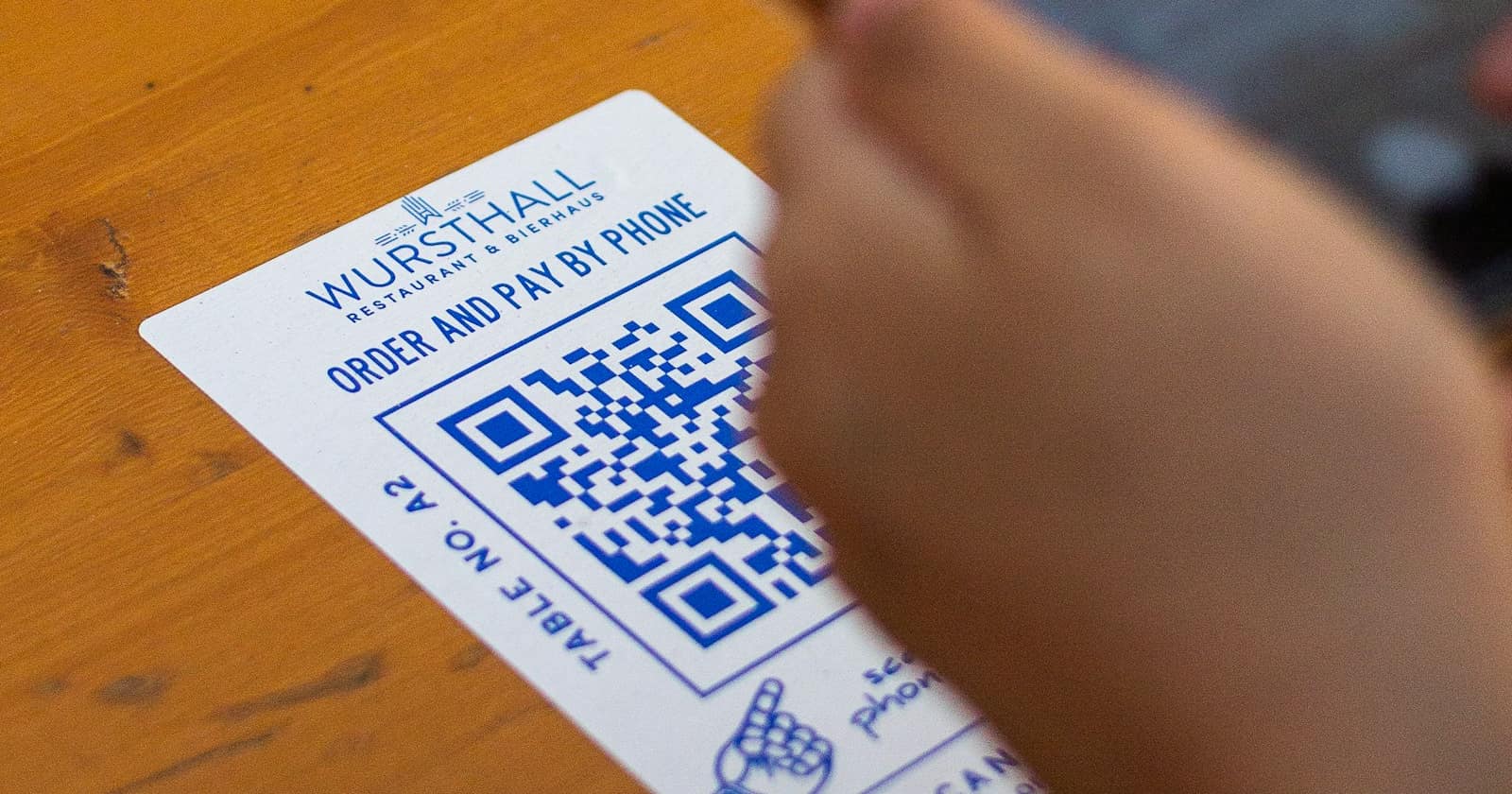
Every physical touchpoint your business has — a counter, a receipt, a delivery box, a van parked outside — puts a customer within arm's reach of their own phone. A QR code is the shortest path from that moment into a tracked WhatsApp thread, with no app to install and no number to type. It is the offline half of the same funnel described in The In-Depth Guide to Lead Generation on WhatsApp, and it is usually the cheapest channel a business is not running properly.
Printing a code is the easy part. Getting it scanned, and making the scan worth something afterwards, takes a little more thought.
Where codes actually get scanned
Scans happen where someone is already standing still with an unanswered question. Placements that assume people will stop, take out their phone and aim it at a wall for no reason perform badly, no matter how large the code is printed.
- Table tents in restaurants and waiting areas — captive attention, and usually a question about the menu or the wait.
- Shop windows, so a passer-by can ask about opening hours or stock while the door is locked.
- Receipts and invoices, where the code turns a completed sale into a support and reorder channel.
- Product packaging and manuals, which is where setup questions and warranty claims actually start.
- Delivery vehicles and site signage, which are read at traffic lights and by neighbours of your current job.
- Business cards and event badges, where typing a number into a phone is the step that never happens.
Give people a reason, not just a code
A bare code next to a logo asks for trust and offers nothing back. The line above the code is doing more work than the code itself, so make it a specific promise: check today's availability, get the price list, ask about your order, book a table for tonight. Concrete offers get scanned; the word Contact does not.
Keep the promise honest about timing, too. If nobody replies before nine in the morning, say so — a customer who scans at midnight and hears nothing until Tuesday will not scan a second code from you. Website entry points work the same way, and Website Widgets and Links That Start Conversations covers the online equivalents worth pairing with your printed placements.
Pre-filled messages that identify the source
A QR code encodes a link, and that link can carry a pre-written message into the thread. Use it. A scan from the packaging of a specific product should open a message naming that product; a scan from the Dubai branch window should say so. The customer only presses send, and your inbox receives context nobody had to ask for.
- One code per placement, never one shared code reused everywhere.
- Encode a short reference in the message text so the source survives even if the customer edits the rest.
- Test every printed code with a real phone before the print run, not after.
- Reprint rather than redirect when a placement changes — a dead code is worse than no code.
Track which placement is worth the print run
With per-placement codes, the source tag arrives with the first message and stays on the contact through the pipeline. After a month you can compare the table tents against the packaging insert against the van, in scans, in qualified conversations, and in closed revenue — the same discipline that makes Click-to-WhatsApp Ads: Turning Ad Spend into Conversations measurable rather than merely busy.
A code you cannot trace is decoration. A code that tags its own source is a lead channel.
— be digital ai team
Make the first automated reply useful
Someone who has just scanned is standing in your shop, holding your product, or waiting at your table. They expect an answer now, and a greeting that says thanks for your message, an agent will be with you shortly wastes the moment entirely.
Because the code told you where the scan came from, the first reply can be specific: confirm the branch, show today's availability, offer the reorder, or answer the setup question that packaging codes always attract. An AI reply handles that instantly, at midnight, in the customer's own language, and hands over to a human only when the conversation needs one. That single reply is what separates a scan from a lead.
See how be digital ai turns a scan into a tagged, answered WhatsApp conversation in seconds.
Book a Demo