Workspace AI Copilot: Human-in-the-Loop Automation Explained
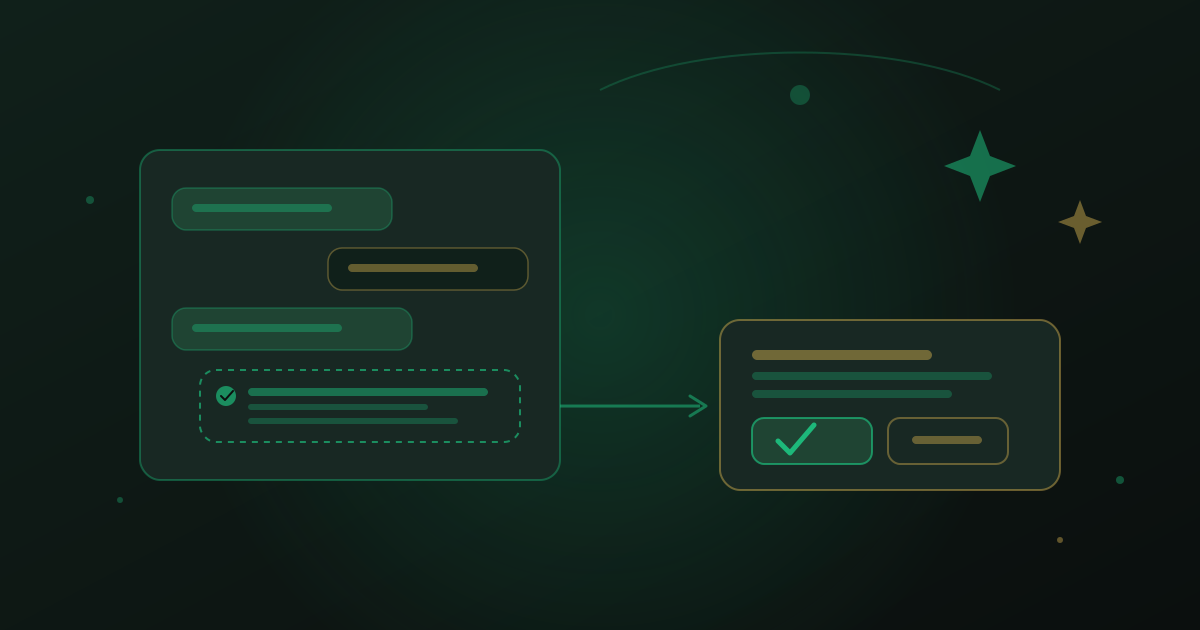
Give an AI full, unsupervised control of customer conversations and you're one bad day away from an apology email to your whole contact list. Take the AI out entirely and your team is back to typing every reply, every reminder, every follow-up by hand. A workspace AI copilot is the answer in between: it does the thinking and the drafting, and a human keeps the final click.
This copilot is the furthest of the building blocks covered in the in-depth guide to AI CRM for service businesses, and the one that changes daily work the most once it's trusted. Here is what it actually does, and how to configure the boundary between what it decides alone and what it hands to a person.
What the copilot actually does
Sitting inside the same inbox your team already works from, the copilot reads incoming conversations and offers three kinds of help. First, it drafts a reply grounded in your business data — services, prices, policies — ready for a team member to send as-is or edit in seconds. Second, it suggests the next action: book this appointment, update this field, escalate this to a manager, tag this contact as a hot lead. Third, it summarizes a long thread into two sentences, so whoever picks up the conversation next doesn't have to scroll through forty messages to understand where things stand.
None of these three require the copilot to act on its own. A drafted reply sitting in a text box, waiting for a send button, has changed nothing yet — it has only saved someone the blank-page problem of writing it from scratch.
Why human-in-the-loop approval matters
Three separate concerns push toward keeping a human in the loop, and they don't go away just because a model gets more capable. Trust: customers who find out a business let an AI negotiate a refund or make a promise unsupervised tend to escalate, not calm down. Accuracy: even a well-grounded AI occasionally misreads context, mixes up two similar customers, or answers confidently from a gap in its knowledge — a human glance catches what the model can't catch in itself. Accountability: when a message goes out under your business name, someone at your company should be able to say they saw it before the customer did.
None of that means the AI should be slow or timid. It means the AI does the eighty percent of work that is drafting and suggesting, and a person does the two-second job of reading and clicking approve.
The AI should do the thinking. A human should keep the last word.
— be digital ai team
Configuring autonomous vs. approval-required actions
Not every action carries the same risk, so not every action needs the same level of oversight. A practical setup splits actions into three tiers:
- Fully autonomous — low-risk, easily reversible: tagging a contact, updating a custom field, logging a note, summarizing a thread.
- Draft-and-approve — customer-facing or judgment-heavy: any outbound reply, booking or rescheduling an appointment, sending a quote.
- Never automated — high-stakes or sensitive: refunds, discounts beyond a set threshold, complaint responses, contract changes.
Set these tiers once, in plain language, and the copilot respects them on every conversation afterward. Most teams start conservative — everything customer-facing in the approval tier — and only move an action to fully autonomous after watching a few weeks of approved drafts that needed no edits.
Concrete examples from a working day
A contact asks about rescheduling their Thursday appointment. The copilot reads the message, checks the calendar, drafts a reply offering two open slots, and flags the appointment for a reschedule — a team member reads it, taps approve, and it's sent in under ten seconds. A different contact asks for a discount outside policy. The copilot recognizes the request falls in the never-automated tier, summarizes the ask, and routes it straight to a manager instead of drafting anything at all. A third contact goes quiet for a week after a quote. The copilot suggests a check-in message and tags the contact "needs follow-up" — the first tag happens instantly, the message waits for a click.
That routing logic depends on the same triggers and actions covered in Visual Automation Builder: From Manual Tasks to Workflows — the copilot is what adds judgment on top of those rule-based chains, for the cases a simple if-this-then-that rule can't quite handle.
What the copilot needs to be useful
A copilot is only as sharp as the foundation it sits on. If you're still deciding whether this whole layer is worth building, What Is an AI CRM and Why Your Business Needs One explains why the copilot only becomes trustworthy once contacts, fields, and automations underneath it are solid — a copilot drafting from stale or duplicate data will suggest the wrong appointment or the wrong price just as confidently as a correct one.
Start with approval on everything
The safest way to roll out a copilot is to require approval on every single action for the first two weeks, then review what got approved without edits. Those are the candidates for the autonomous tier. This turns the rollout from a guess into a measurement, and it means your team, not a vendor's default settings, decides exactly how much trust the AI has earned.
Watch the AI copilot draft, suggest, and wait for approval in a live walkthrough.
Book a Demo