How to Choose a CRM: A Practical Checklist
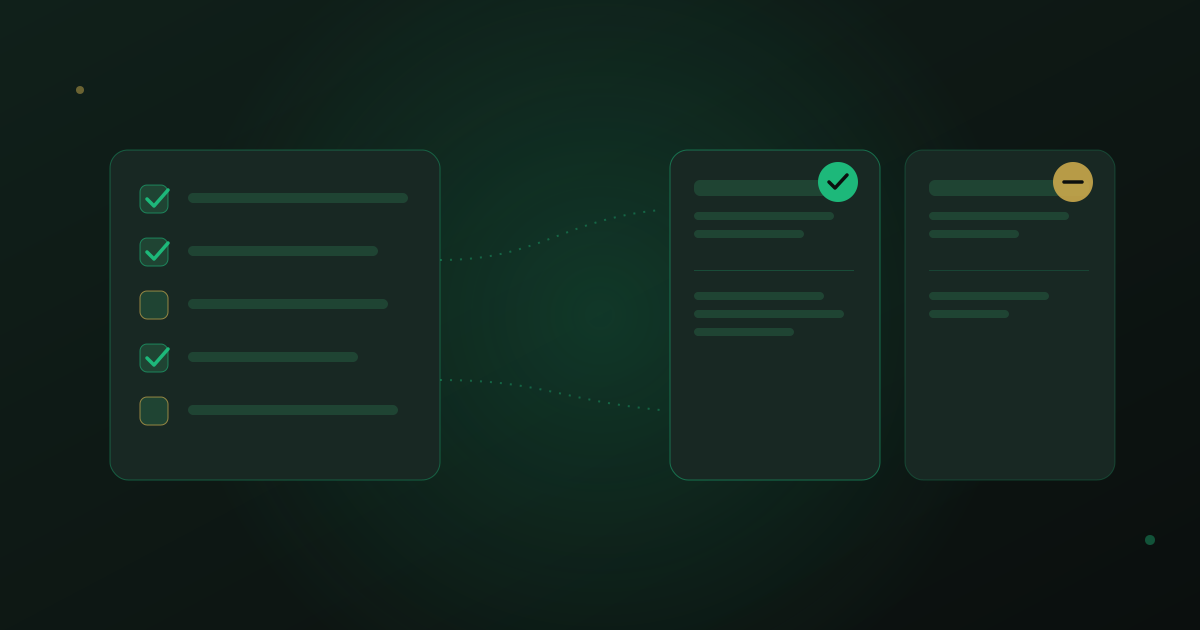
Every CRM demo looks the same: a clean dashboard, a friendly salesperson, and a promise that this one will finally get your team organized. The differences that matter only show up after you've been using it for three months with your real contacts, your real team, and your real channel of choice. This checklist is built from the questions worth asking before you sign anything — and it's the last of the six building blocks in The In-Depth Guide to AI CRM for Service Businesses.
None of this is about finding the CRM with the most features. It's about finding the one your team will still be using honestly in six months, instead of quietly going back to a shared inbox and a notebook.
Start with your channel, not the feature list
Before comparing dashboards, ask where your customers actually message you. If most of your business happens on WhatsApp, a CRM that treats it as a plug-in integration — one more tab, one more sync delay — will always feel like a workaround. What you want is a platform built around your primary channel from the ground up, where a new conversation becomes a contact automatically and a booking never requires switching apps. The same logic applies to email-heavy or phone-heavy businesses: match the CRM to where the conversation already lives, not the other way around.
Decide whether you need AI and automation, or just a tidy database
Not every business is ready for automation on day one, and that's fine — but it's worth knowing which category you're in before you buy. A basic contact database with reminders might be all a two-person team needs this year. A business fielding the same five questions forty times a day, or one that wants a copilot drafting replies for human approval, needs a platform where AI and automation aren't a bolted-on add-on but part of the core product. Buying the wrong tier in either direction wastes either money or the automation you'll wish you had in eight months.
Can your team actually adopt it
The best CRM on paper is worthless if your team quietly avoids logging into it. Ask how many clicks it takes to log a call, add a contact, or find yesterday's conversation — and watch someone on your team try it live, not a trained salesperson. Good field and segment design, the kind we cover in Custom Fields and Segmentation: Getting More Out of Your Contacts, only pays off if the underlying tool is simple enough that people actually fill it in.
Red flags worth walking away from
- Pricing tiers that lock basic features — like more than one team inbox seat — behind an enterprise plan you don't need yet.
- No real migration support, leaving you to export and re-import thousands of contacts by hand.
- No usable mobile app, which quietly kills adoption for any team member who isn't at a desk all day.
- Vague answers about exporting your own data if you ever want to leave.
The checklist
Before you sign, make sure you can answer yes to each of these:
- Does it connect natively to the channel — WhatsApp, email, phone — where most of your conversations already happen?
- Can a non-technical team member add a custom field or build a simple automation without a developer?
- Is there a real migration path for your existing contacts, not just a generic CSV template?
- Does pricing scale in a way you can predict as your team grows, without hidden per-seat surprises?
- Is there a usable mobile app for the people on your team who aren't at a desk?
- Can you export everything — contacts, notes, history — if you ever decide to leave?
The best CRM is the one your team is still using honestly in six months.
— be digital ai team
How to actually trial one properly
A real trial means importing a sample of your actual contacts, not the demo data the vendor provides, and running a full week of real conversations through it — including the messy ones. Get more than one person on your team to use it, not just whoever champions the purchase. If you want a clearer sense of what an AI CRM should even be doing before you start comparing platforms, What Is an AI CRM and Why Your Business Needs One is worth reading first — it sets the baseline for what "good" looks like.
A CRM is a long-term commitment disguised as a software purchase. Pick it the way you'd pick a business partner: check whether it fits how you already work, not how a sales deck says you should.
Walk through a live demo of the AI CRM and check every item on this checklist yourself.
Book a Demo