

Taking Stripe Payments From Inside a Chat
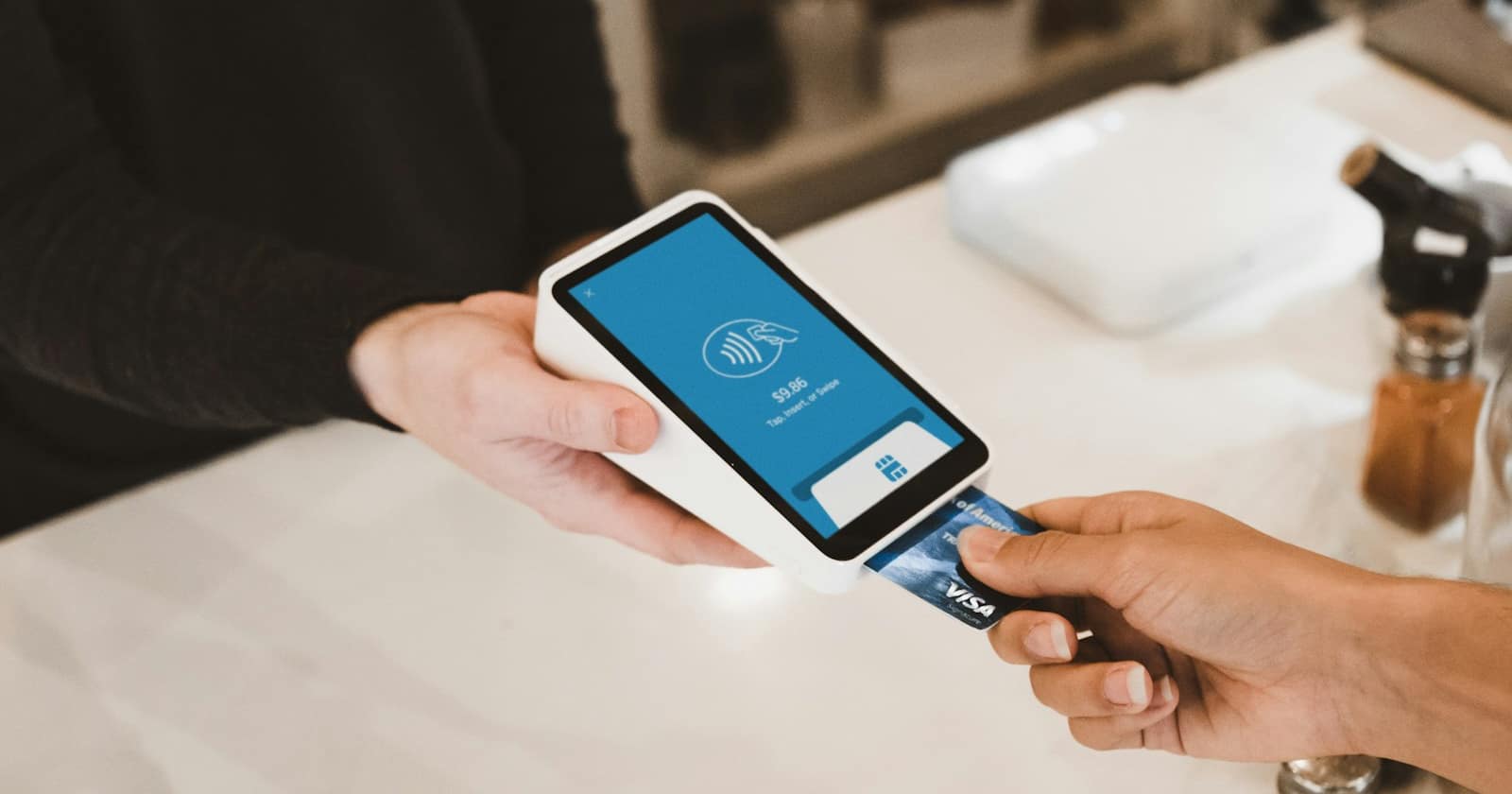
Chat is excellent at getting someone to the point of buying and historically terrible at the last step. The customer agrees, and then you send them a bank transfer instruction, or a link to a website where they have to find the right item again. Our guide to connecting the rest of your stack to your chat CRM treats payment as an integration problem, because it is the one place where friction directly and immediately costs revenue.
Three ways to collect, in order of friction
- A checkout button on a template message — the customer taps once and lands on a hosted payment page with the amount already set. Lowest friction, and the right default for a fixed price.
- A payment link sent as text, generated for that specific customer and amount. Slightly more effort, useful when the price was negotiated in the conversation.
- An invoice with line items for anything a customer needs to submit to their own accounts department, which is most B2B work.
Choose by what you are selling rather than by what is easiest to set up. A twenty-euro deposit and a four-thousand-euro project should not go through the same mechanism.
Deposits do more than secure payment
For appointment businesses the payment integration is mostly a no-show tool. A customer who has paid twenty euros arrives, or cancels in time to release the slot — the amount matters far less than the act of paying, which converts a vague intention into a commitment.
The effect is large enough that it usually justifies the setup on its own. The policy questions — how much, when it is refundable, what happens on a late cancellation — are covered in reducing no-shows with reminders, deposits and easy rescheduling, and they matter more than the payment mechanics.
The deposit is not really about the money. It is about turning a maybe into a plan.
— Convelly team
What has to happen after payment
The integration is only worth having if the rest of the system reacts. When the payment succeeds, the booking should move from pending to confirmed — and appear in the staff calendar straight away (if your team also keeps appointments in Outlook or Calendly, see keeping Outlook and Calendly in sync with your bookings) — the deal should move stage, a confirmation should go out in the same thread, and the amount should be recorded against the contact.
All of that runs off the payment event, which is exactly the kind of trigger described in from manual tasks to workflows. Without it, someone is watching a payments dashboard and updating records by hand, which defeats the point. Where the accounting system needs to know as well, the payment event can be forwarded to it using webhooks: sending your CRM events everywhere else.
Handle the awkward states
Payments do not only succeed or fail. Cards get declined, customers close the page halfway through, some payment methods take days to settle, and occasionally the confirmation arrives late. Decide in advance what the customer sees in each case.
The important rule is not to confirm anything before the money has actually cleared. A booking marked confirmed on an abandoned checkout is worse than no booking, because you have now blocked a slot and told someone to turn up. Where a payment method settles slowly, say so plainly rather than leaving the customer to guess.
Reconciliation and refunds
Every payment taken in chat has to be findable later by whoever does your books. That means the reference on the payment ties back to the contact and the booking, and that the description on the customer's statement is your business name rather than something unrecognisable — an unfamiliar statement line is a common cause of chargebacks.
Refunds should go back through the same channel and be recorded against the same records, with a note of who authorised them. The conversation side of that — how to talk about a refund without making it worse — is covered in handling returns and refunds in chat.
What to check before going live
Run one real payment of a small amount through the whole path: template button, checkout, confirmation, record update, refund. It takes ten minutes and catches the things that only appear in production — a wrong currency, a link that expires, a confirmation message that never fires. Then check the customer-facing wording once more, because a payment request is the message in the whole conversation that gets read most carefully. State the amount, what it covers, and what happens next in three short lines, and put the refund terms in the same message rather than a link. A customer who has to go looking for your cancellation policy before paying usually decides to look at it later, which means never.
A 20-minute walkthrough of taking a deposit inside a WhatsApp thread with Convelly.
Book a Demo