

Locations, Contact Cards and the Small Message Types
Most businesses use two message types: text and photos. The others sit unused, which is a shame, because each of them removes one specific and recurring failure. Our guide to the half of chat that is not text finishes with them because they cost nothing to adopt and each one prevents a category of problem.
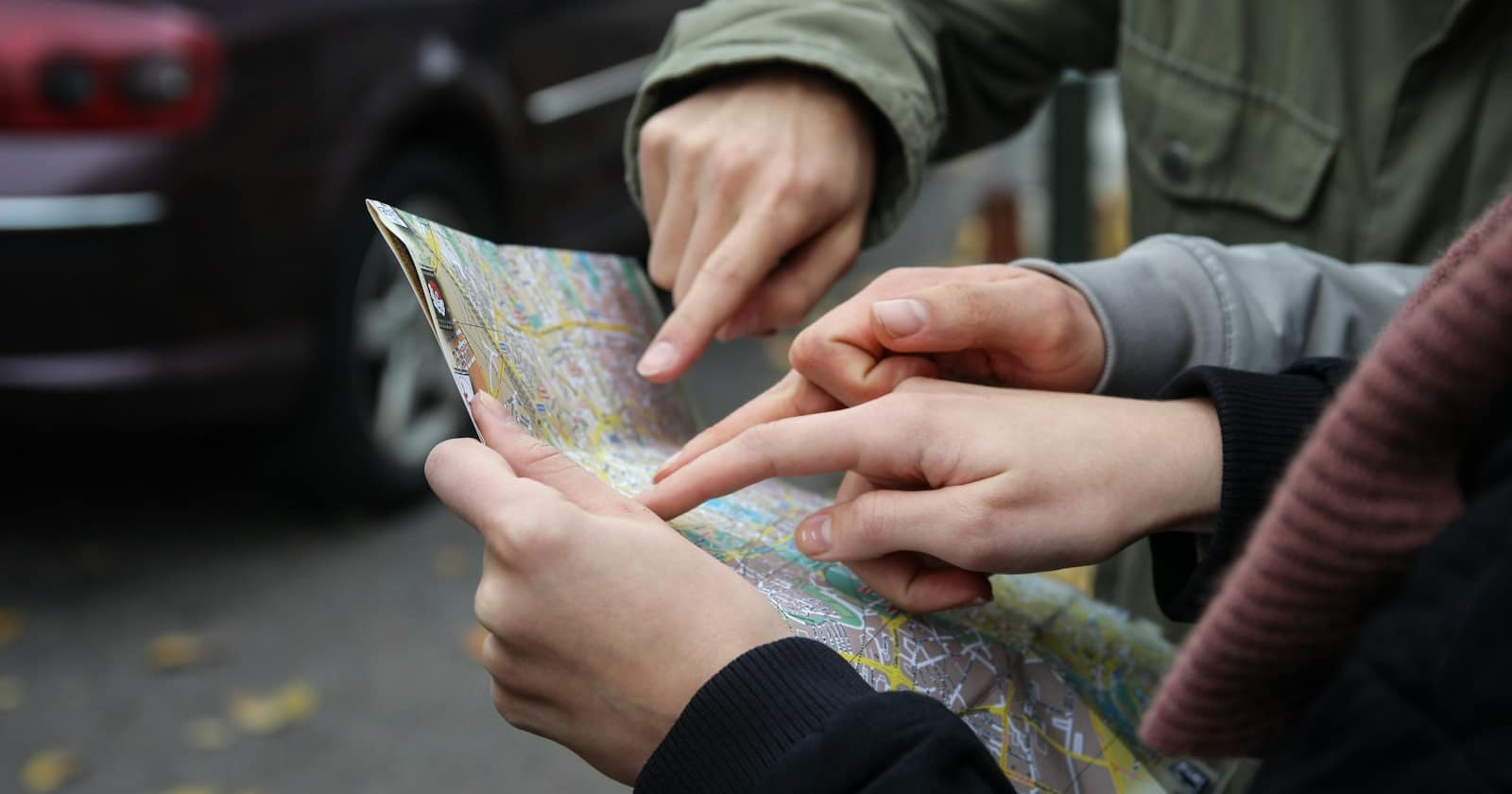
Locations prevent late arrivals
A written address assumes the customer will type it into a map correctly, that the map knows the address, and that the entrance is where the map thinks it is. Any business in a courtyard, an industrial estate, a building with a rear entrance or a street with confusing numbering already knows how often that fails.
A pinned location opens directly in navigation with one tap, and you can put the pin on the actual door rather than the postal centroid. Sending it with the appointment confirmation is a two-second habit that measurably reduces both lateness and the phone calls that come with it — the same category of small intervention as in reducing no-shows with reminders, deposits and easy rescheduling.
It works in the other direction too. Asking a customer to share their location for a delivery or a call-out is far more reliable than an address typed into a chat, particularly in places where street addressing is inconsistent.
Contact cards get you saved
A number that is not saved in someone's phone shows up as a string of digits, which looks like spam and gets ignored. A number saved under your business name shows up as you, and everything you send afterwards is read differently.
Sending a contact card early in the relationship — with the first confirmation, say — makes saving it a single tap rather than a task. It is also how you get found later: a customer wanting to reorder will search their contacts for your business name long before they search for a phone number they never saved.
An unsaved number looks like spam. A saved one looks like a business the customer chose. That is a one-tap difference.
— Convelly team
Buttons and quick replies
Where a message needs a yes, a no, or one of three options, buttons do better than asking someone to type. They are faster on a phone, they eliminate the answers you cannot parse — "yeah ok", "👍", "the second one" — and they make automation reliable, because the reply is a known value rather than free text.
Use them for confirmations and simple choices, not for everything. A message with four buttons where a question would do reads as a machine, and part of what makes chat work is that it does not feel like a form.
The ones with narrow uses
- Document messages for anything the customer needs to keep — receipts, instructions, warranties — because a PDF is savable in a way a photo of a document is not; the craft of sending them well is in sending quotes, invoices and documents in chat.
- Stickers, which some markets use constantly and others find odd; follow your customers rather than your instinct.
- Replying to a specific message in a long thread, which removes ambiguity when three questions are in flight at once.
- Reactions, which acknowledge without adding a message — useful when a customer sends one of the photos described in when a photo answers the question faster and a full reply would be noise.
The third is underused by businesses and constantly used by customers. If someone has asked four things and you answer in one paragraph, half the answers get missed; replying to each message individually costs nothing and makes the thread readable.
Put them where they belong in the flow
Each of these formats has an obvious moment. The contact card goes with the first confirmation, while the customer is still paying attention to you. The location goes with the reminder the day before, when it is about to be needed, rather than with the booking three weeks earlier.
Attaching them to the automations that already run costs nothing and means nobody has to remember. It is also the difference between a nice idea someone had once and a habit the business actually has — the same logic as the sequences in automating appointment booking on WhatsApp.
Make sure the record keeps them
A location shared by a customer is data about the job, and it should be visible on the record rather than only in the thread. The same applies to a chosen button option — it is the customer's answer, and it should end up in a field rather than requiring someone to scroll.
That is the practical test for any of these formats: if it disappears from view the moment the conversation scrolls, it was a nice interaction rather than information. The point of running conversations through a CRM is that the useful parts survive the conversation.