

Unified Inbox: Assigning Conversations Without Chaos
Ask a five-person team how they handle WhatsApp support, and you will often hear the same shrug: everyone has access to the same number, and whoever notices a message first replies. It works while volume is low. Then a customer gets two different answers within a minute, or a message sits untouched for six hours because everyone assumed someone else had it. Neither is a training problem — it is a structure problem, and exactly what the In-Depth Guide to Running a WhatsApp Support Team treats as a first decision.
The cost of one shared number with no rules
When several agents watch one inbox, two failure modes show up almost immediately. The first is duplication: a customer asks about a delayed order, two agents both reply within seconds — one offers a refund, the other a replacement, and the customer gets contradictory information. The second is quieter: everyone assumes someone else is handling a message, so nobody is, and a simple question ages into a complaint. Both get worse as the team grows, because more watchers of the same list means more room for assumptions.
- Two agents replying to the same customer with different answers
- A message read by three people and answered by none of them
- No way to tell, at a glance, whether a conversation is already being handled
- Handovers between shifts that rely on memory instead of records
What a unified inbox actually changes
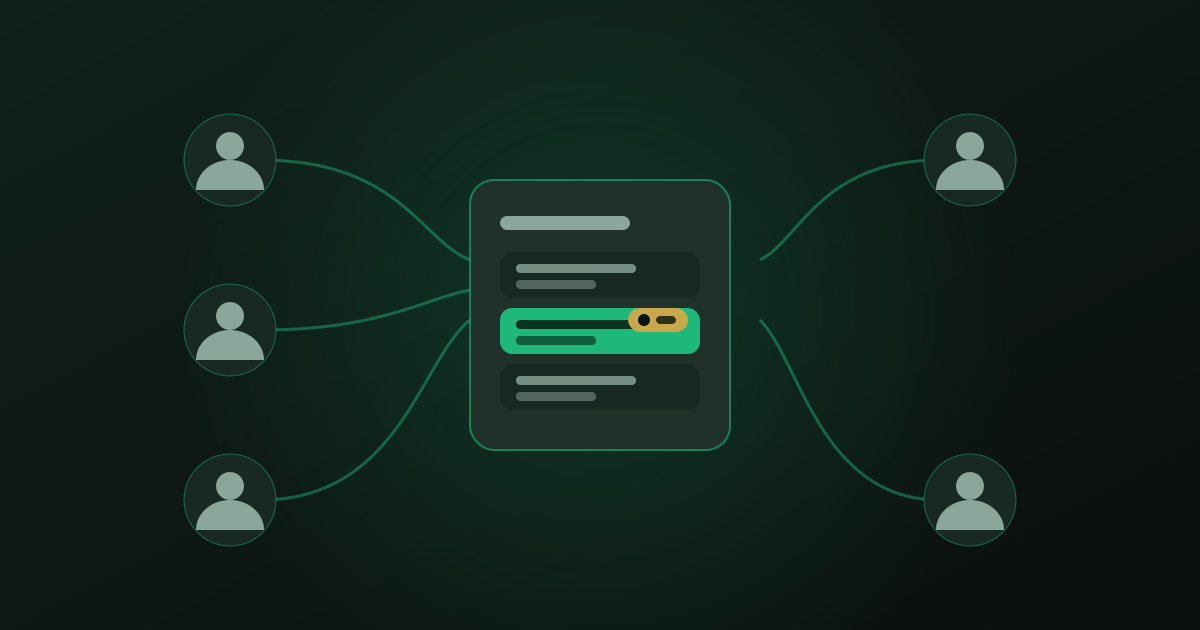
A unified team inbox does one simple thing: it turns "who is looking at this" into "who owns this." Every conversation gets a single, visible owner the moment it is assigned, visible to the whole team, not just the agent who claimed it. The rest of the design follows from that one change — rules for how ownership gets decided, and a display that makes it impossible to miss.
Assignment can happen three ways, and most teams use all three. Auto-assignment by rule routes on something known in advance — the customer's language, the topic of their first message, or which agent handled them last time. Manual claim lets an agent grab an unassigned conversation with one tap, for cases a rule cannot anticipate. Round-robin spreads anything left over evenly across whoever is online, so inquiries do not pile up on the fastest replier.
Stopping the double-reply before it happens
The moment a conversation is assigned — by rule, by claim, or by round-robin — it should visibly lock to that owner for everyone else looking at the inbox. A second agent opening the same thread sees who has it, and ideally sees the note the first agent already started typing. This single piece of visibility removes almost all duplicate replies, because the problem was never that agents did not care — it is that nobody could see what a colleague was already doing. It also answers the manager's daily question without a status meeting: open the inbox, and every conversation shows its owner and how long it has waited.
For handoffs mid-conversation — a shift change, a colleague at lunch, an escalation to a specialist — assignment is only half the job. Internal Notes and Handoffs: Keeping Context Between Colleagues covers how context travels with the conversation so the next agent never has to ask the customer to repeat themselves.
An inbox without assignment is not a team feature. It is five people staring at the same list and calling it collaboration.
— Convelly team
Building rules that fit how your team already works
Good assignment rules mirror decisions your team already makes informally. If Arabic-speaking customers get routed to the one bilingual agent out of habit, write that down as a rule instead of hoping someone remembers. If billing questions always land with the same person, make that official and name a backup. The goal is not an elaborate routing tree — three or four rules for your most common conversation types, plus round-robin for the rest, outperforms a complicated system nobody maintains.
Rules also need an escape valve. However good the routing, some conversations land with the wrong agent — a technical question routed to sales, or a long-standing customer who ends up with a new hire. Manual reassignment should take one tap, and should not erase who touched the conversation before; that history is what the next owner needs to pick it up cleanly.
Hiring into a structure, not a free-for-all
None of this replaces good agents — new agents simply inherit a system instead of learning the inbox by trial and error. A new hire on a team with clear rules knows within their first shift which conversations are theirs, instead of guessing. That clarity shortens ramp-up time. Hiring and Training WhatsApp Support Agents covers what to screen for and how to get someone productive in their first week rather than their first month.
Start with the conversations you already have
You do not need every rule defined before switching on assignment. Start with round-robin for new conversations and one or two rules for your top categories — language, product line, or an existing relationship. Watch which conversations get manually reassigned in the first week; that list tells you which rule to add next. Within days, the inbox stops being a shared list everyone half-watches and becomes a queue everyone trusts.
A 20-minute walkthrough of assignment rules and the shared team inbox, tailored to your business.
Book a Demo