

Push Notifications You Will Not Mute
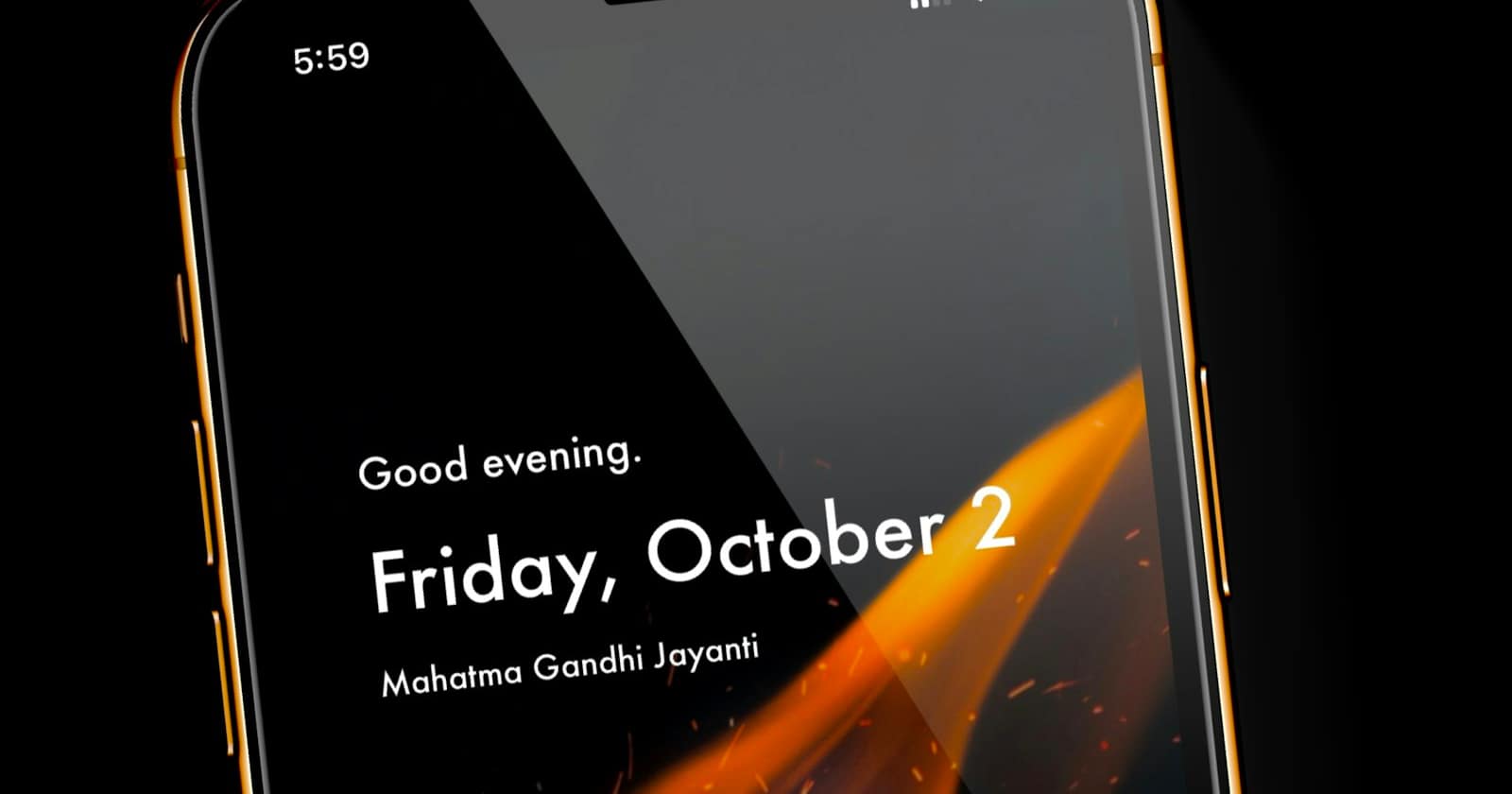
Every business app arrives with notifications set to everything, on the theory that missing something is worse than being interrupted. Within two weeks the team has silenced it, and now they are missing everything rather than something. Our guide to running the whole CRM from your phone treats notification design as the thing that decides whether the app is used at all.
The arithmetic of interruption
Interrupting someone costs more than the notification suggests, because the cost is not the two seconds of reading — it is the return to what they were doing. Ten interruptions a day is a meaningful share of someone's attention, spent regardless of whether any of them mattered.
So the question for every notification is not whether the information is useful. It is whether it is worth pulling someone out of what they are doing right now. Most inbox events are not.
What deserves an interruption
- A message in a conversation assigned to you personally. Someone is waiting for you specifically.
- A new enquiry when you are the person on duty for new enquiries, because the response speed described in what actually works better on mobile directly affects conversion.
- An escalation from the AI or a colleague, which by definition means somebody decided a human is needed.
- A conversation about to breach your response-time target, which is the one notification that prevents a failure rather than reporting it.
- A payment received, if that unblocks work someone is waiting to start.
Notice what is missing: every message in every conversation, every stage change, every new contact. Those belong in a badge count you look at when you choose to, not in an interruption.
Notify on what needs a person, now. Everything else is a number on an icon, and that is enough.
— Convelly team
Assignment makes notifications possible
You cannot design good notifications on a shared inbox where everything belongs to everyone, because every event is either everyone's business or nobody's. Assignment is what makes "notify me about mine" a coherent instruction.
That is the practical argument for the routing described in assigning conversations without chaos: it is not about tidiness, it is about being able to tell four people four different things without notifying all of them about all of it.
Quiet hours, honestly set
Customers message at eleven at night. Your team should not be woken by it, and a system that notifies around the clock quietly teaches people to keep the phone in another room — which means they also miss the message at eight the next morning.
Set quiet hours per person, matched to when they actually work. Then decide honestly whether anything genuinely overrides them. For most businesses the answer is nothing; for a locksmith or an emergency service it is a specific, narrow category, and that category should be defined rather than assumed. Whatever you choose, it should match the response times you have promised customers, as covered in setting SLAs and response time targets for chat support.
Say something useful in the notification
"You have a new message" forces the person to open the app to learn whether it mattered, which is an interruption plus a task. "Marta Klein: can I move Thursday to Friday?" can often be dealt with entirely from the lock screen, or safely postponed with a glance.
The exception is anything sensitive. A clinic should not display symptom descriptions on a lock screen in a waiting room, for the reasons in losing a phone without losing your customer data, so the level of detail is a setting worth having rather than a fixed decision.
Owners need a different set
The person running the business wants different signals from the person working the inbox. An owner does not need to know about every enquiry; they need to know when something is going wrong — a conversation about to breach its target, a high-value deal stalling, an automation failing repeatedly.
Set those separately rather than giving the owner the agent configuration plus everything else. An owner notified about all traffic learns nothing and mutes it, which removes the one person who would have noticed the pattern — the daily rhythm in an owner's mobile routine is a better instrument for that than a stream of alerts.
Check what people have muted
The most useful diagnostic is asking your team what they have turned off. Every muted notification type is one that was firing too often or telling them nothing, and it is a much better guide to what your defaults should be than any opinion about what matters. A team that has muted everything is not disengaged — they are telling you the design was wrong.